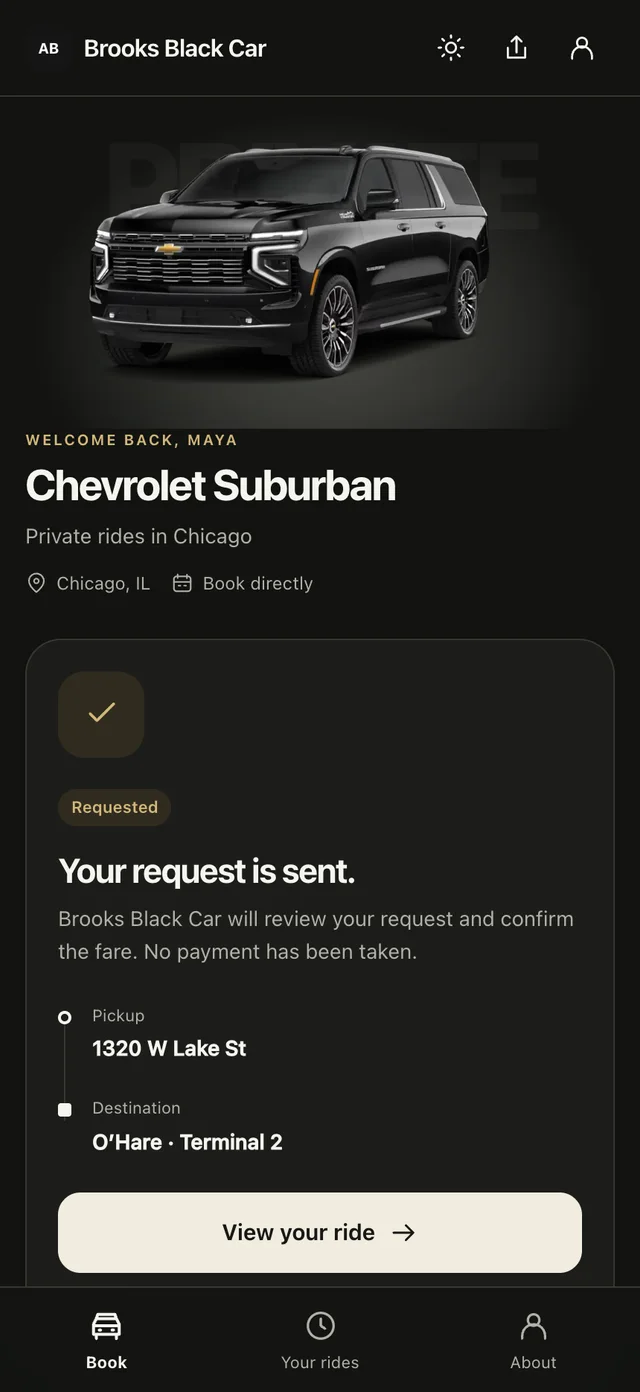
Set up your booking page
Once approved, add your logo, vehicle, service area, and hours. Share your page by link or QR code so riders can request a trip from their browser.
Your riders book with you directly. You decide which rides to take, set the fare, and manage the trip.
Once approved, add your logo, vehicle, service area, and hours. Share your page by link or QR code so riders can request a trip from their browser.
Review the ride request and choose the fare before you accept. Update the rider as you head to pickup, arrive, and complete the trip.
Riders can pay by card from the booking page. Stripe sends available funds to your bank on your payout schedule.
Your page gives riders a place to enter their stops and request a ride. Put the link on your website, share your QR code, or connect a domain you own.