Start with the details riders need
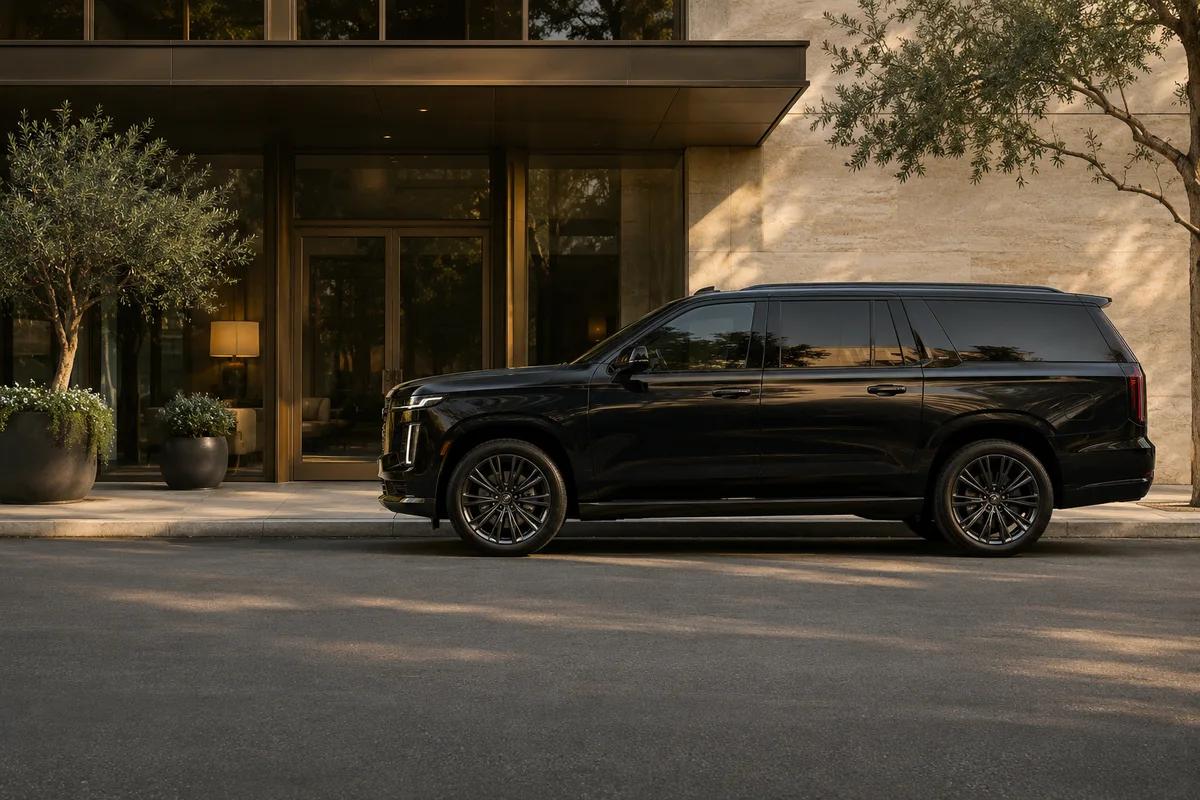
After your application is approved, open your driver dashboard and edit My Page. Add your business name, logo, vehicle, service area, and hours. If you have a minimum notice period or a waiting policy, spell it out before riders make a request.
Open your page as a rider
Open your booking link in a private browser window. Check what appears on a phone, especially your vehicle, the cities you serve, and the pickup fields. Ask someone to open the link from a text message so you can spot any confusing steps.
Get ready to quote and accept
Set up Stripe direct deposit if you want to accept cards. When a request arrives, review the stops and time before setting a fare. A request starts the conversation. Accept it once you’re ready to commit.
Give repeat riders a reliable way back
Add your link to your email signature and share it with riders who ask how to book again. Print the page’s QR code for a business card, and scan a test copy on your phone before printing a batch.